

RSSeries Automatic On/Off Without Float Switch
APP RS Series Dirty Water Pump from Taiwan.
Technical Specifications
| source | APP catalogue |
|---|---|
| section | Domestic |
| series | RS |
| family | Dirty Water Pump |
| catalogue_page | Domestic 41-42 |
| features | Ultra-low residual water; sea-water S option; PCB/electronic float control variants. |
| Series | RS Series |
| Pump Series | RS |
| Pump Type | Dirty Water Pump |
| Max Diving Depth | 8 m |
| Water Temperature | 0~40℃ / 32~104℉ |
| pH Range | 6~8 |
| Pump construction | IP68 |
| Variant Dimensions | 152 x 169 x 328 mm (high) / 152 x 169 x 313 mm (low) / 152 x 169 x 330 mm (high) |
| Pump length / size | 152 x 169 x 328 mm (high) / 152 x 169 x 313 mm (low) / 152 x 169 x 330 mm (high) |
| Variant Max Flow | 70 LPM / 130 LPM |
| Variant Max Head | 6 m / 7 m |
| Variant Pass Solid | 3 mm |
| Variant Weight | 3.2 kg / 3.3 kg / 3.7 kg / 4.2 kg / 4.3 kg / 4.7 kg |
Project Integration
RS Series Automatic On/Off Without Float Switch is suitable for drainage, dirty water, sewage, sump pits, basements, construction sites or solids-handling applications depending on the pump family. Selection should check allowable solid size, flow, head, outlet size, protection class and real operating conditions.
- Select the model by project flow and working head
- Check power, voltage/frequency, outlet size, material and installation dimensions
- Add to BOM/RFQ together with accessories, piping, valves, electrical cabinet or VFD when required
- Support configuration comparison and quotation by actual project quantity
Pump Selection Table by Model
Applications & Key Features
Overview
APP RS Series is a dirty water pump for Water exclusion; pool drainage; horticulture; basement; elevator pit applications.
Applications
Water exclusion; pool drainage; horticulture; basement; elevator pit
Key features
Ultra-low residual water; sea-water S option; PCB/electronic float control variants.
Explore Related Models

FT Floating Tree Series Fountain Pump
APP FT Series pump for fountain application; lake water pumping.
View model →
MAS Series Gardening Pump
APP MAS Series pump for garden fountain; aquaculture circulating water; filtration system.
View model →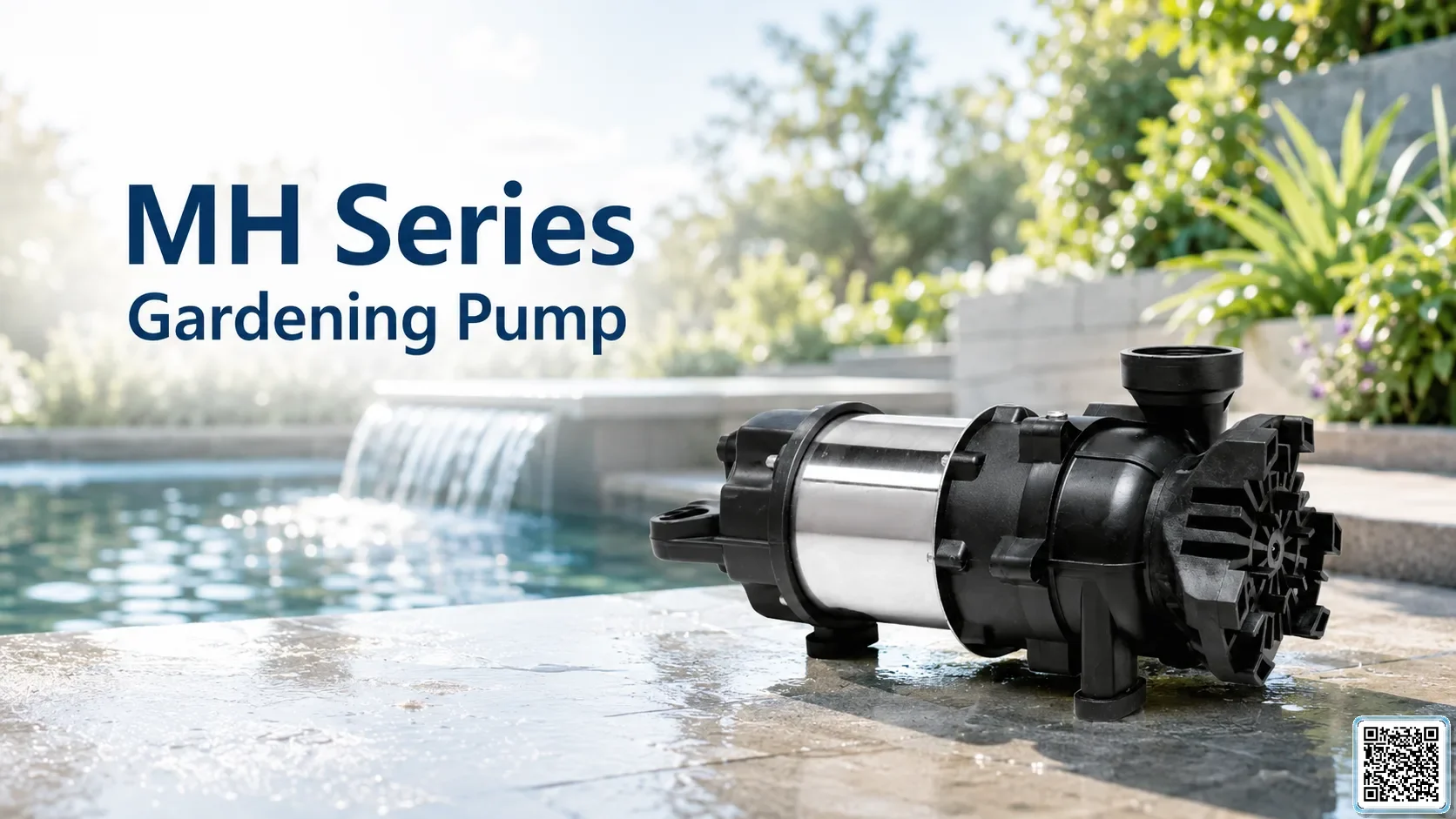
MH Series Gardening Pump
APP MH Series pump for garden landscaping design.
View model →
TPV-200/600 Series Gardening Pump
APP TPV Series pump for garden landscape; fish pond circulating; 24-hour water operation.
View model →
BPO Series Gardening Pump
APP BPO Series pump for fish pond cleaning; gardening and aquaculture; circulating water system; 24-hour water operation.
View model →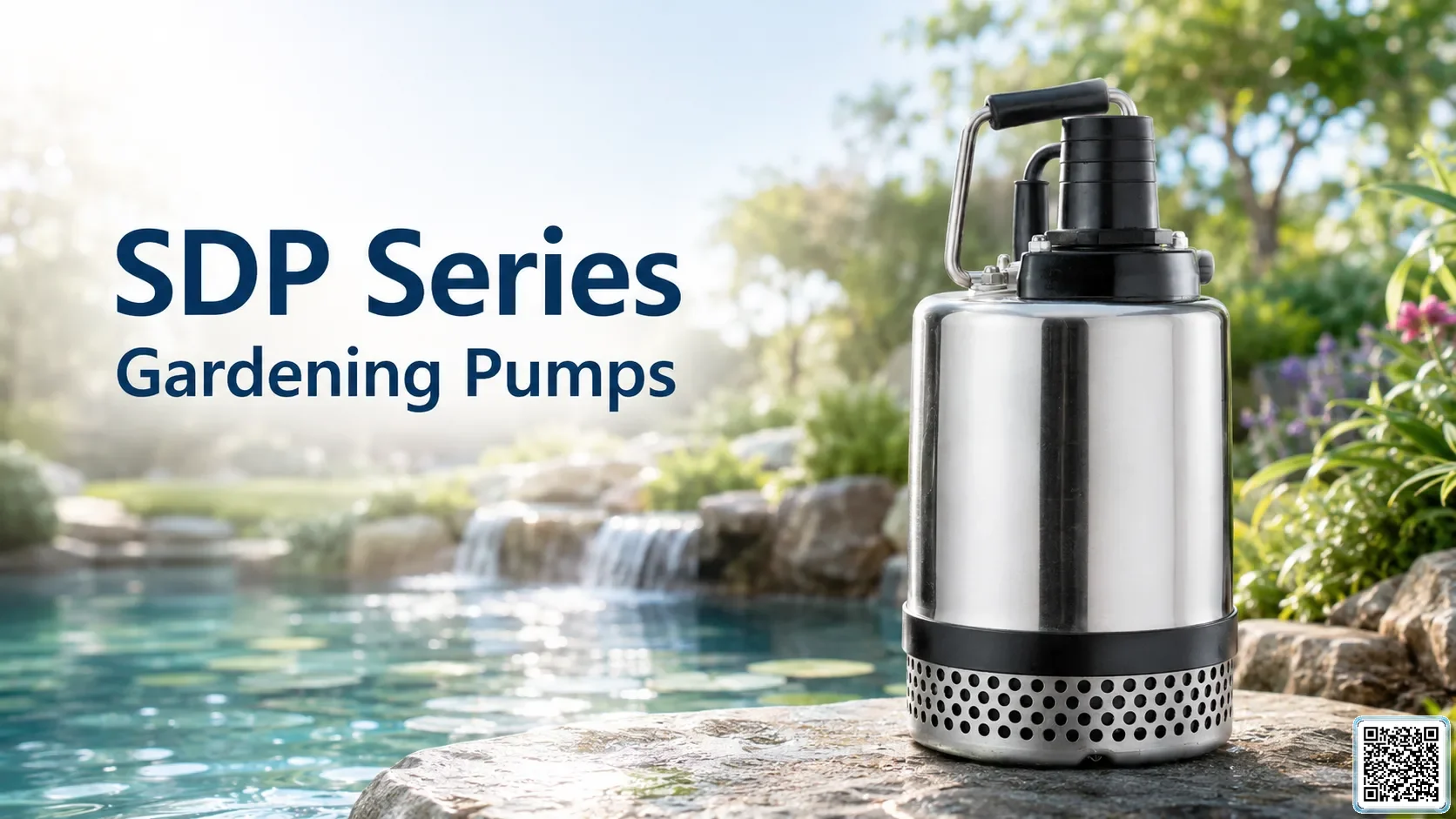
SDP Series Gardening Pump
APP SDP Series pump for fish pond cleaning; garden landscaping; circulating water.
View model →
SMP Series Swimming Pump
APP SMP Series pump for pool and spa system; aquaculture circulating water filtration.
View model →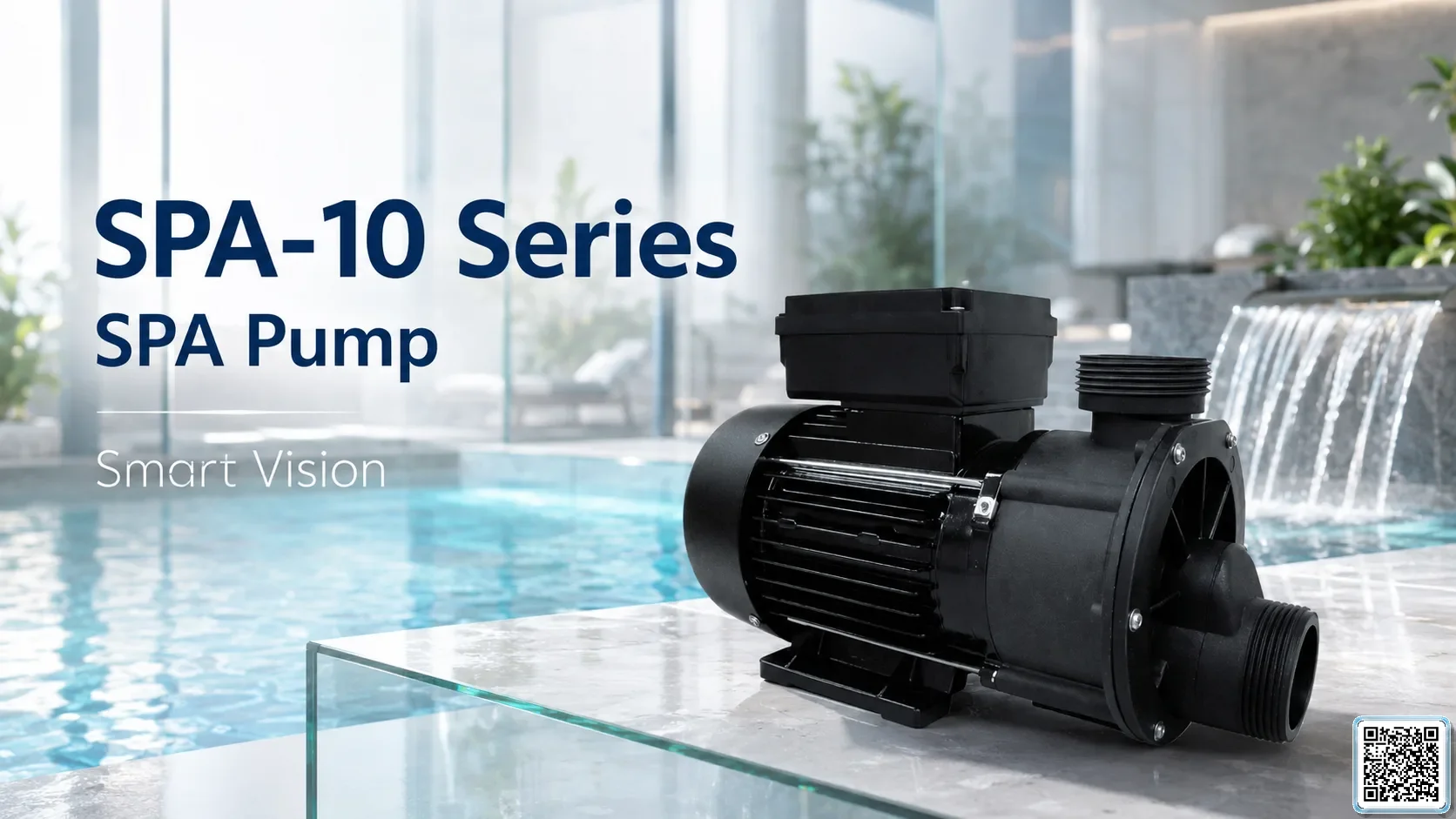
SPA-10 Series SPA Pump
APP SPA-10 Series pump for spa tub circulating system; circulating water system.
View model →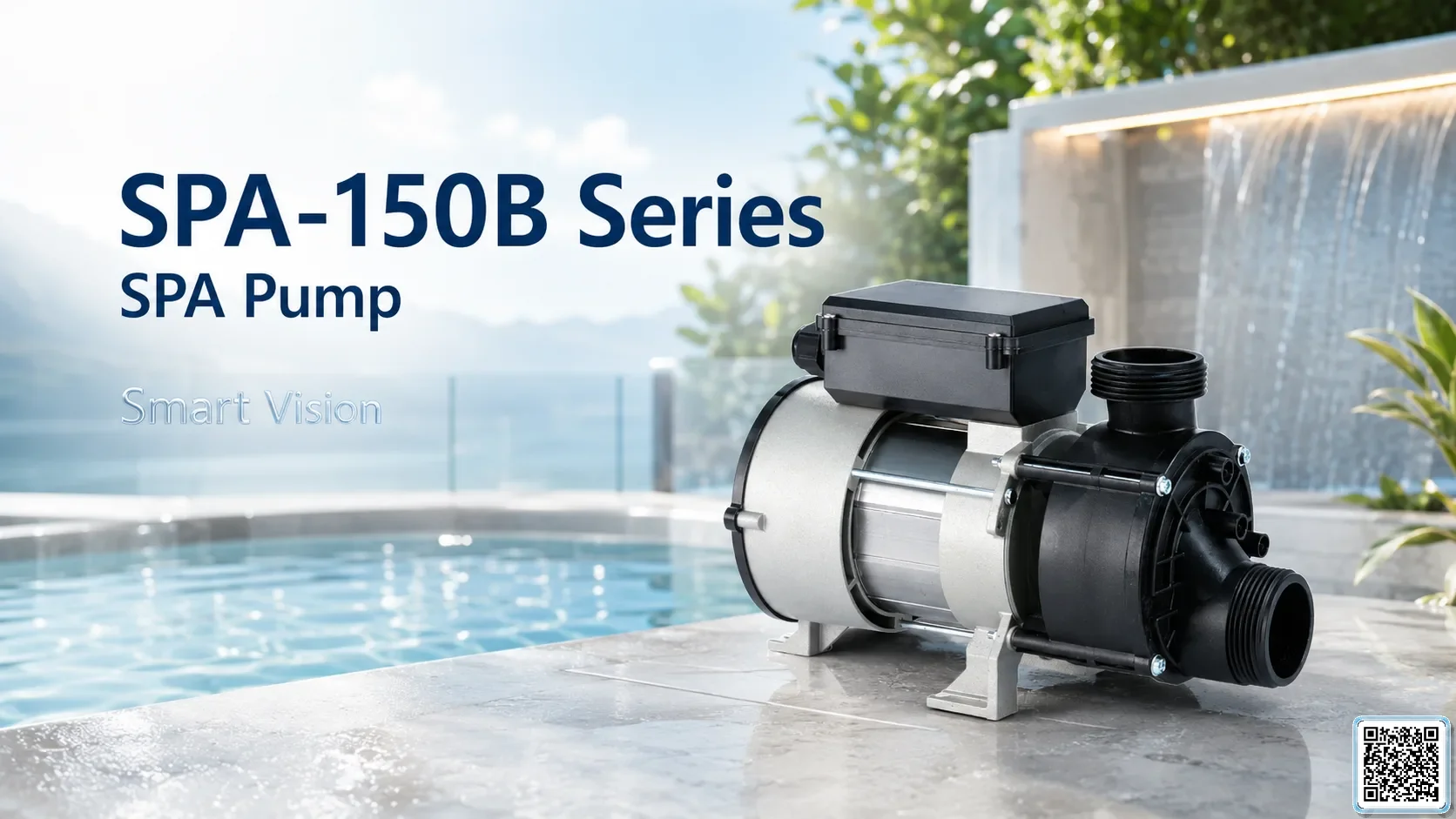
SPA-150B Series SPA Pump
APP SPA-150B Series pump for spa tub circulating system; circulating water system.
View model →
JKCH Series Multistage Submersible Pump
APP JKCH Series pump for building water booster; garden sprinkler landscape; high-lift water transport.
View model →Request quotation
Enter your information so SmartVision can prepare a quotation for the selected configuration.
Equipment BOM
Select equipment, quantities and send the BOM for SmartVision review.