
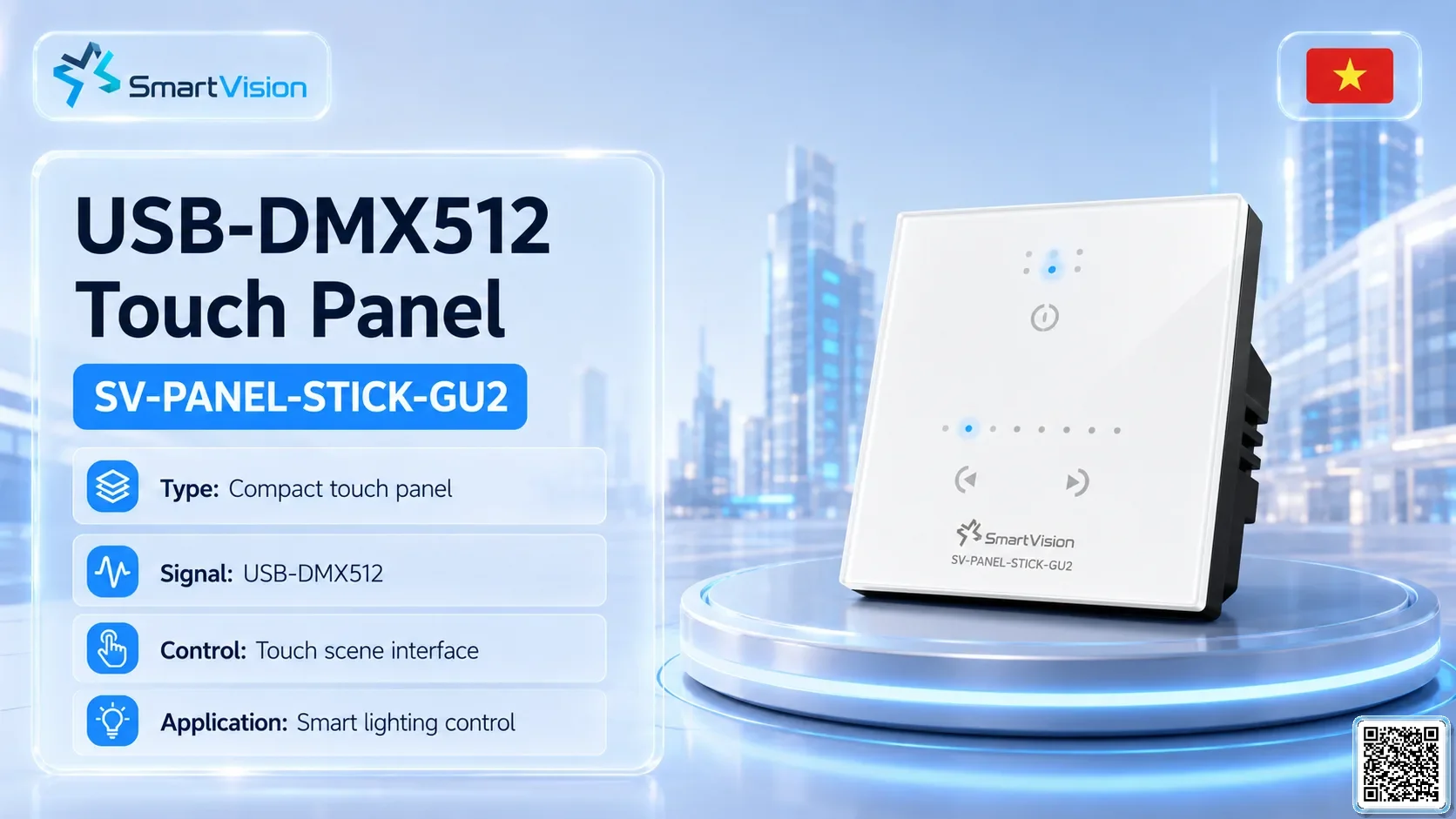
SV-PANEL-STICK-GU2USB-DMX512 Touch Panel
SV-PANEL-STICK-GU2 is a SmartVision panel-control interface for local scene selection, wall-mounted operation and simplified control of lighting or water-show zones. It is suitable for operator panels, showrooms, architectural lighting and cabinet-mounted control points.
Technical Specifications
| Installation Type | Wall mount |
|---|---|
| Weight | 110 g |
Project Integration
SV-PANEL-STICK-GU2 works as the local operation interface in SmartVision systems, allowing operators to select scenes, switch zones, call programs and control devices quickly on site. Reference configuration: signal DMX512 / Network DMX / USB / UDP
Control method Touch panel / scene control / SmartVision integration;.
- Local controlselects scenes, starts/stops programs, calls presets or controls zones manually.
- Operator friendlysuitable for technicians, security staff, resort operators or facility managers.
- System connectionlinks with central controller, DMX/relay, PWA or control cabinet by configuration.
- Installation positionwall-mounted, cabinet-mounted, operator room or customer control area.
- BOM/BOQcounted by operator location, scene quantity, protocol and interface requirements.
- Deployment noteconfirm button layout, user permission, signal wiring and function labels before handover.
- SmartVision supports BOM/BOQ breakdown, control cabinet design, signal-line layout and commissioning workflow for stable project operation.
Technical Parameters by Variant
| Variant | DMX CH | Power | Voltage | Control | Luminous Flux | Center Hole | Beam Angle |
|---|---|---|---|---|---|---|---|
| SV-PANEL-STICK-GU2 Standard Configuration SV-PANEL-STICK-GU2 | 128 | 5-12V DC, 0.6A | Touch panel / scene control / SmartVision integration |
Applications & Key Features
Overview
SV-PANEL-STICK-GU2 is a SmartVision panel-control interface for local scene selection, wall-mounted operation and simplified control of lighting or water-show zones. It is suitable for operator panels, showrooms, architectural lighting and cabinet-mounted control points.
Applications
Local scene control; wall panel operation; showroom control; cabinet operator interface; architectural lighting zones.
Key features
Signal: DMX512 / Network DMX / USB / UDP; DMX / Channels: 128; Voltage: 5-12V DC, 0.6A; Control: Touch panel / scene control / SmartVision integration; Installation: Wall mount; Dimensions: 86 x 86 x 11 mm.
Explore Related Models
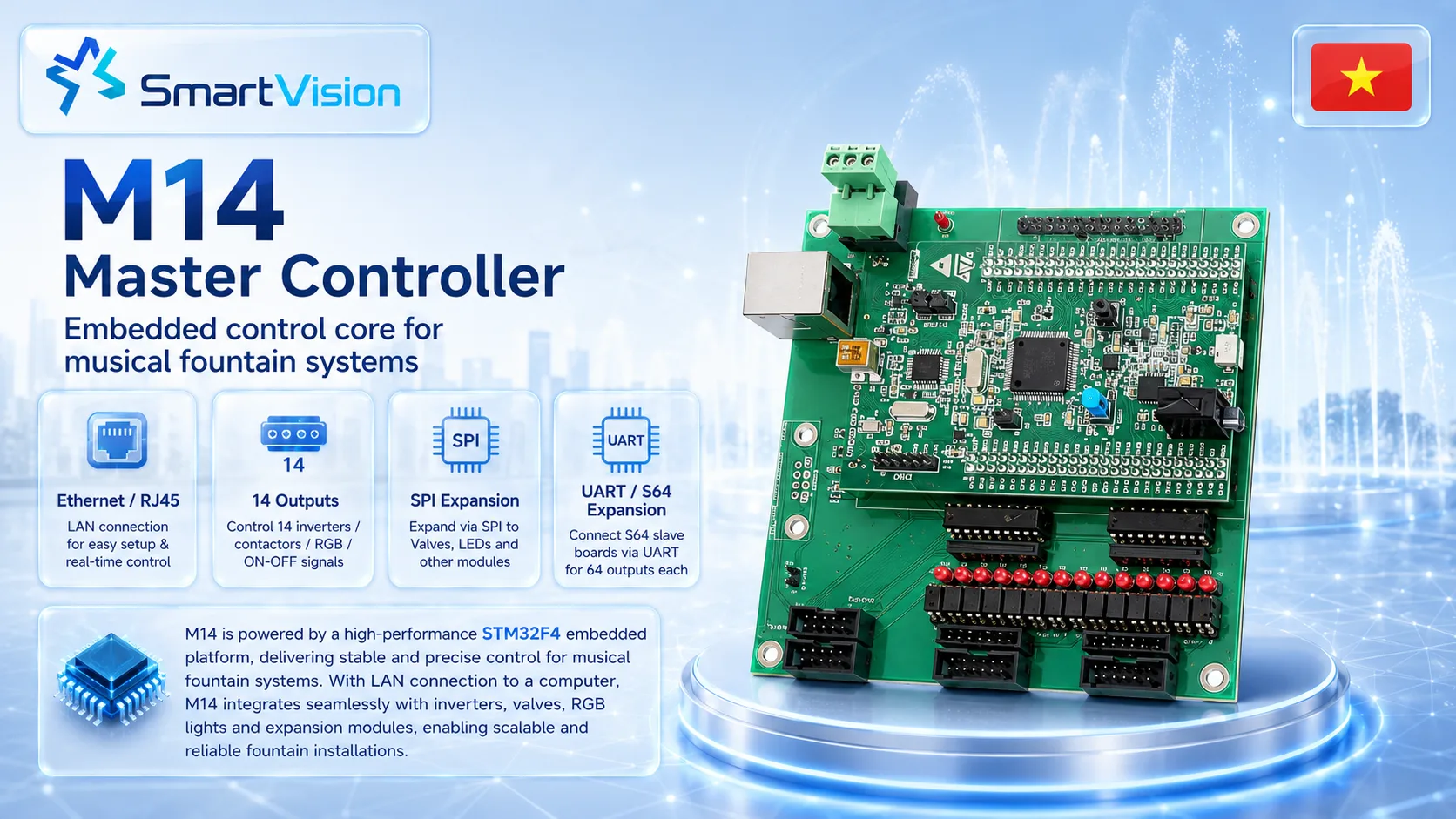
M14 Water Show Controller
M14 is a SmartVision show-control device for SmartVision DMX, ArtNet, LED facade and show-control projects. It is normally…
View model →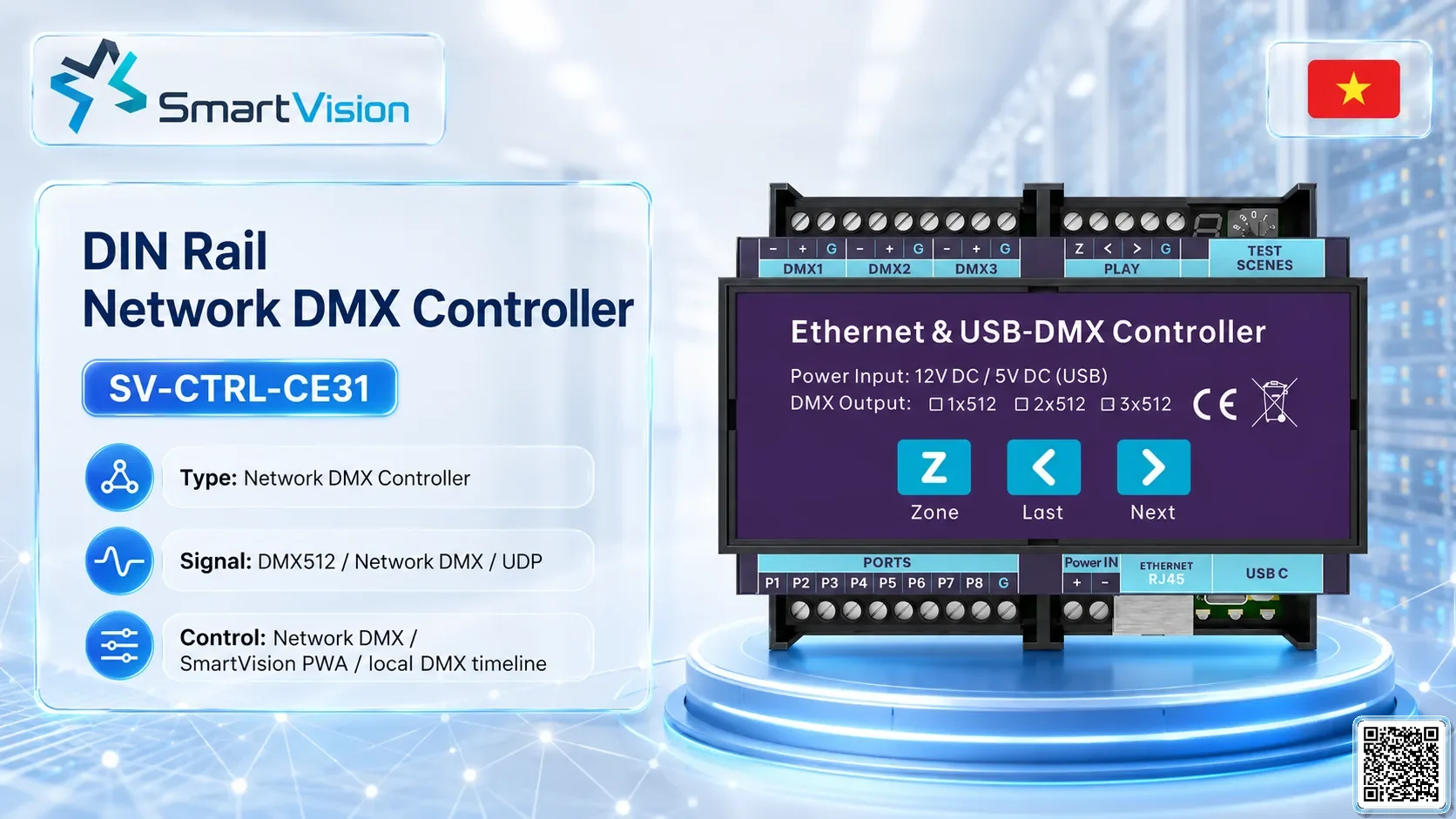
SV-CTRL-CE31 DIN Rail Network DMX Controller
SV-CTRL-CE31 is a network DMX / Ethernet controller for SmartVision DMX, ArtNet, LED facade and show-control projects. It…
View model →
SV-CTRL-CE42 Rack Network DMX Controller
SV-CTRL-CE42 is a network DMX / Ethernet controller for SmartVision DMX, ArtNet, LED facade and show-control projects. It…
View model →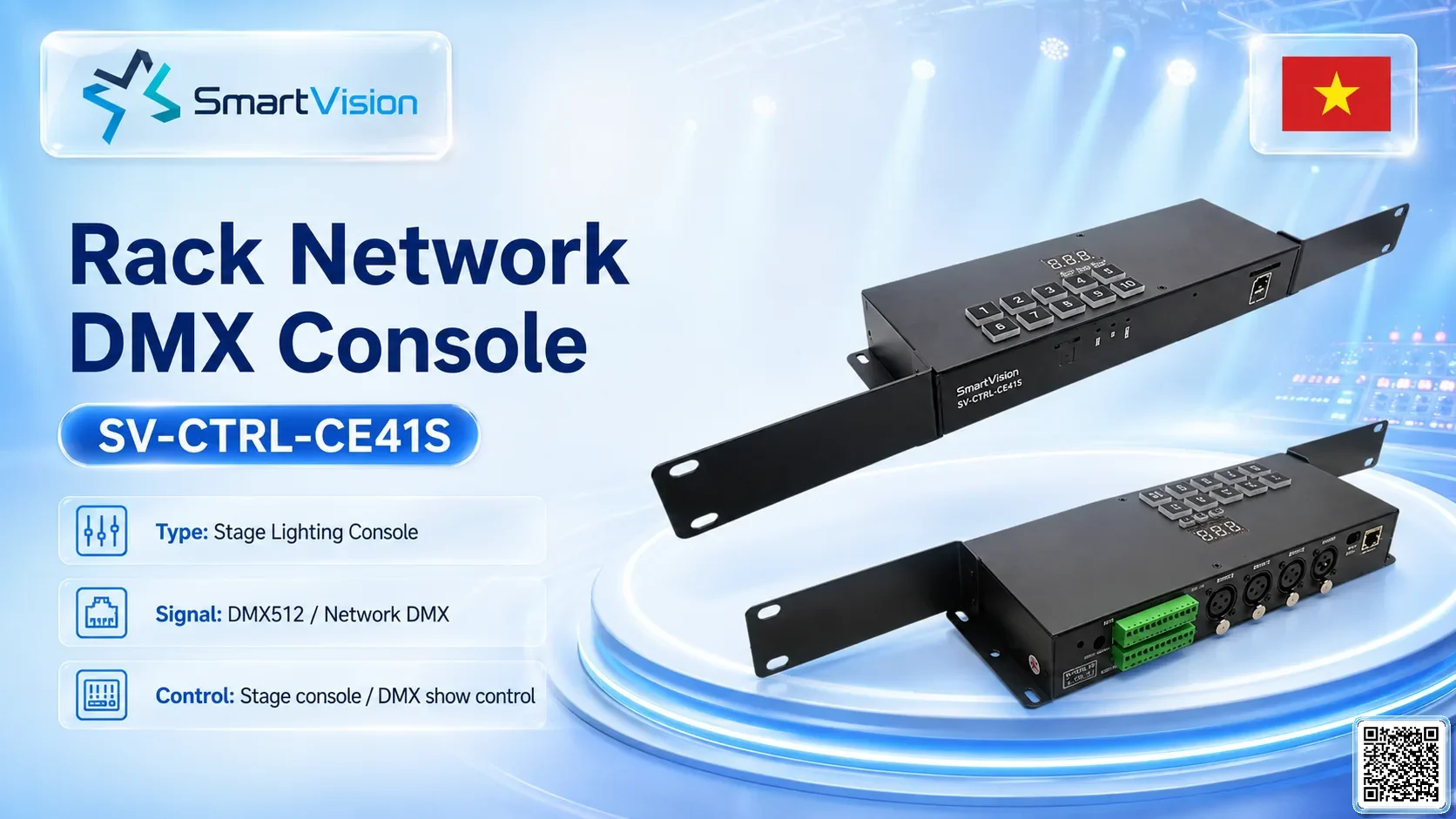
SV-CTRL-CE41S Rack Network DMX Console
SV-CTRL-CE41S is a network DMX / Ethernet controller for SmartVision DMX, ArtNet, LED facade and show-control projects. It…
View model →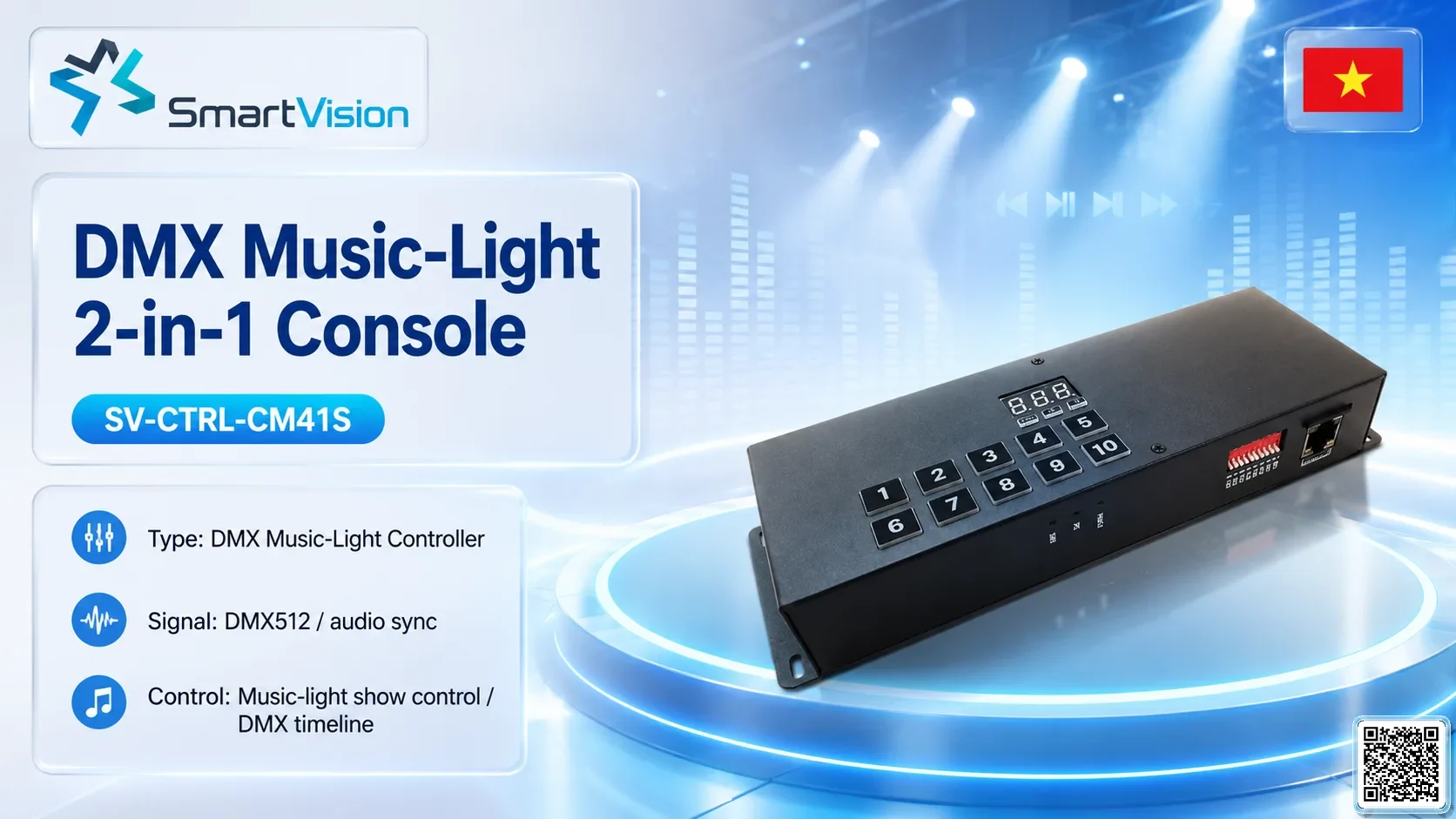
SV-CTRL-CM41S DMX Music-Light 2-in-1 Console
SV-CTRL-CM41S is a DMX music/show controller for offline playback, scheduled operation and music-synchronised lighting or fountain scenes. It…
View model →
SV-CTRL-CM42 DMX Music-Light 2-in-1 Controller
SV-CTRL-CM42 is a DMX music/show controller for offline playback, scheduled operation and music-synchronised lighting or fountain scenes. It…
View model →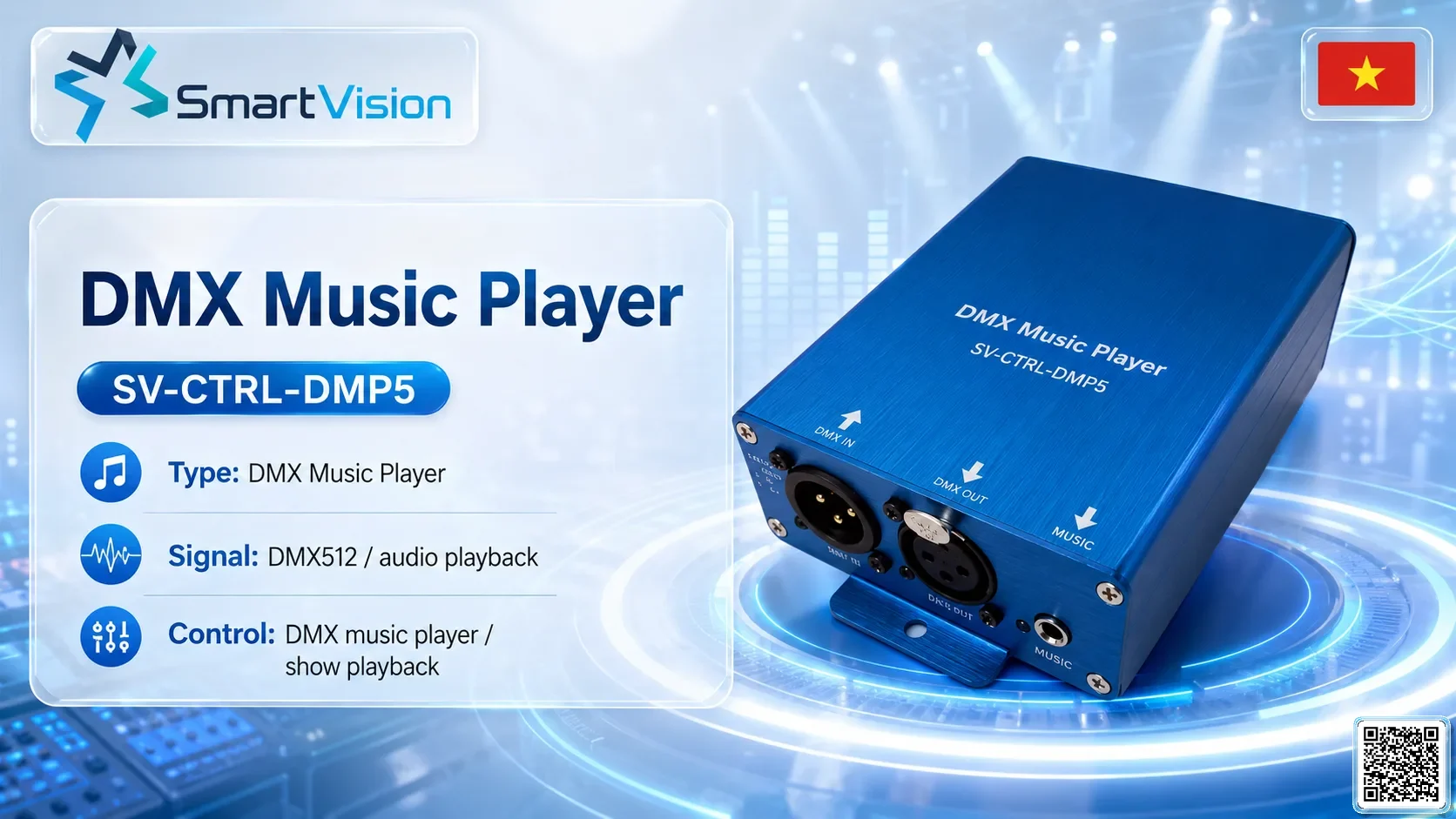
SV-CTRL-DMP5 DMX Music Player
SV-CTRL-DMP5 is a DMX music/show controller for offline playback, scheduled operation and music-synchronised lighting or fountain scenes. It…
View model →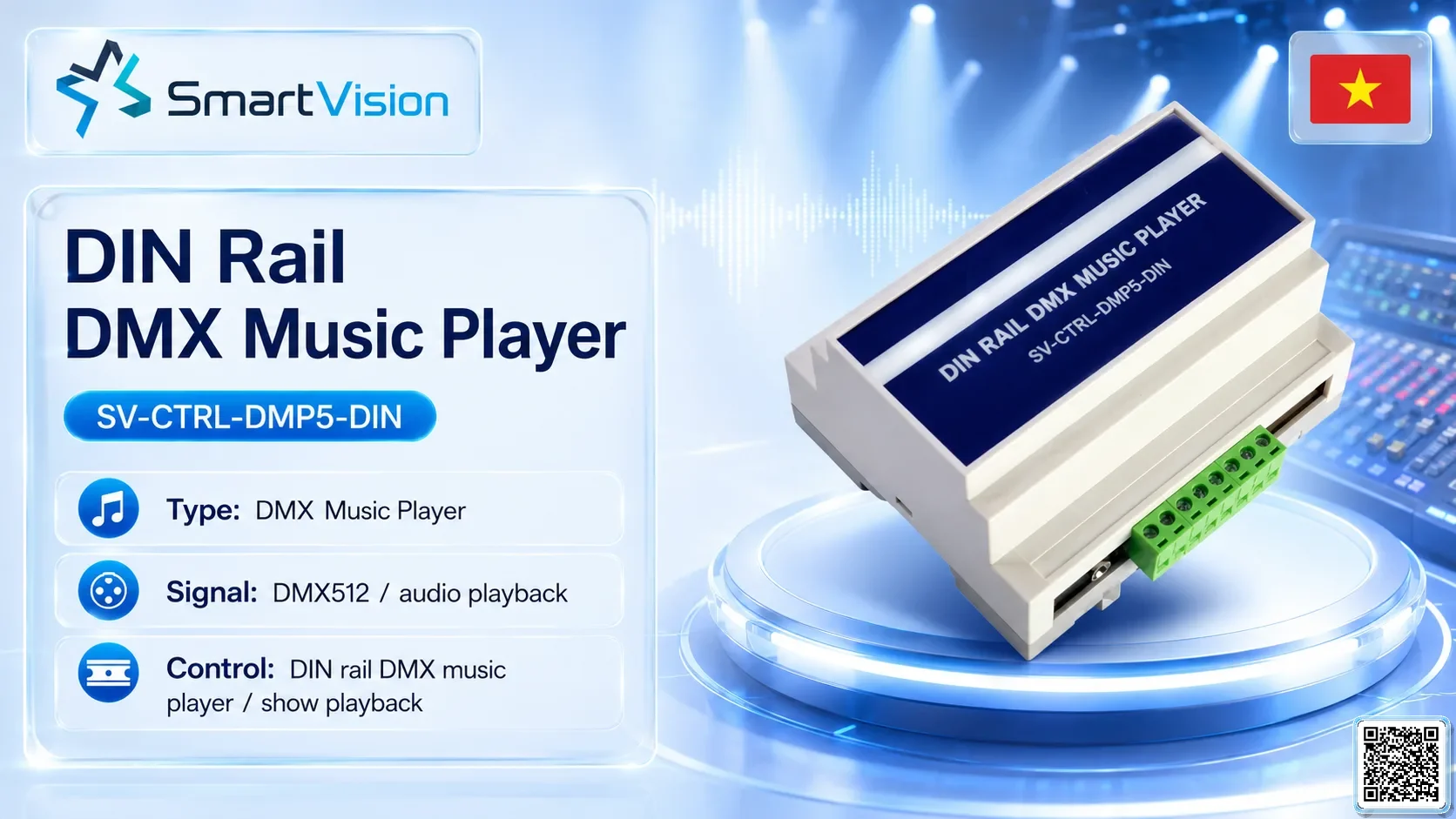
SV-CTRL-DMP5-DIN DIN Rail DMX Music Player
SV-CTRL-DMP5-DIN is a DMX music/show controller for offline playback, scheduled operation and music-synchronised lighting or fountain scenes. It…
View model →
SV-ARTNET-DMX4 4-Port ArtNet-DMX Converter
SV-ARTNET-DMX4 is a ArtNet / DMX gateway for SmartVision DMX, ArtNet, LED facade and show-control projects. It is…
View model →
SV-ARTNET-DMX8 8-Port ArtNet-DMX Converter
SV-ARTNET-DMX8 is a ArtNet / DMX gateway for SmartVision DMX, ArtNet, LED facade and show-control projects. It is…
View model →
SV-ARTNET-SPI04 4-Port ArtNet-SPI Controller
SV-ARTNET-SPI04 is an ArtNet-to-SPI pixel LED controller for converting ArtNet/DMX Ethernet data into SPI pixel output. It is…
View model →
SV-ARTNET-SPI16 16-Port ArtNet-SPI Controller
SV-ARTNET-SPI16 is an ArtNet-to-SPI pixel LED controller for converting ArtNet/DMX Ethernet data into SPI pixel output. It is…
View model →
SV-LED-800DP External LED Master Controller
SV-LED-800DP is a SmartVision show-control device for SmartVision DMX, ArtNet, LED facade and show-control projects. It is normally…
View model →
SV-LED-SPI8000S SPI LED Sub-Controller
SV-LED-SPI8000S is an ArtNet-to-SPI pixel LED controller for converting ArtNet/DMX Ethernet data into SPI pixel output. It is…
View model →
SV-LED-DMX8000D DMX LED Sub-Controller
SV-LED-DMX8000D is a SmartVision show-control device for SmartVision DMX, ArtNet, LED facade and show-control projects. It is normally…
View model →
SV-LED-800SD 2-in-1 LED Controller
SV-LED-800SD is a SmartVision show-control device for SmartVision DMX, ArtNet, LED facade and show-control projects. It is normally…
View model →Request quotation
Enter your information so SmartVision can prepare a quotation for the selected configuration.
Equipment BOM
Select equipment, quantities and send the BOM for SmartVision review.